Hello, my name is
Ozan Kilic
.
A Web/Graphic Designer, Front-end & UI Developer from CLE.
I am passionate about combining function, interaction and form to design for fitting user experiences that make people happy.
I have a passion for creating challenging, intuitive and beautiful products.
My design process is very hands-on and visual.
Here is some skills i gained in years.
HTML5
LESS
MVC/TFS
jQuery
RWD
Photography
UI/UX
Adobe
MAC & PC
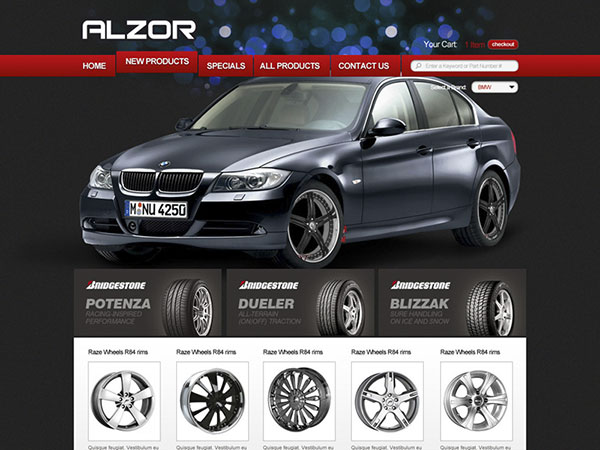
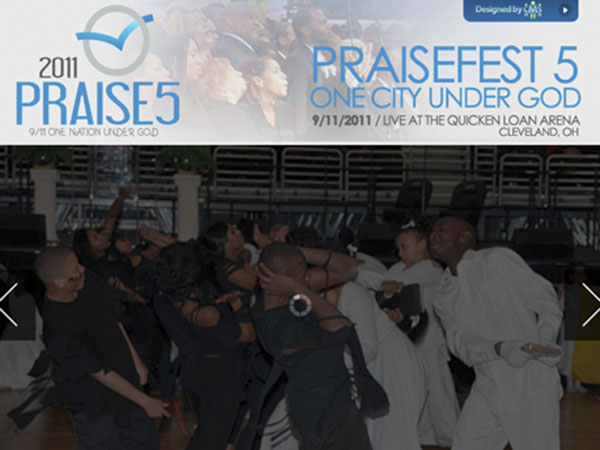
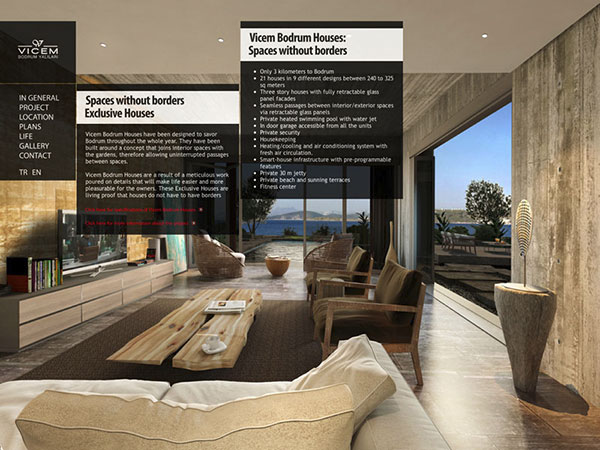
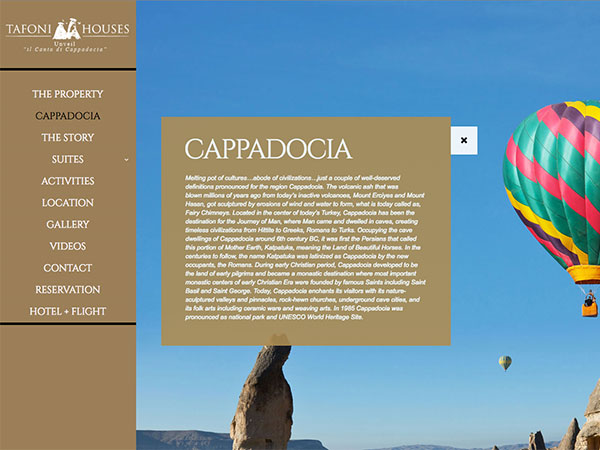
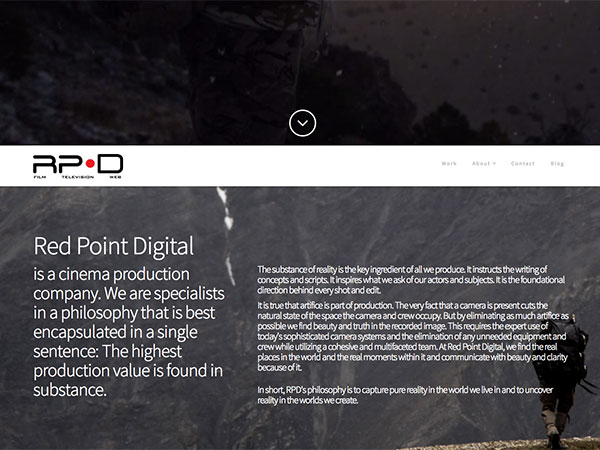
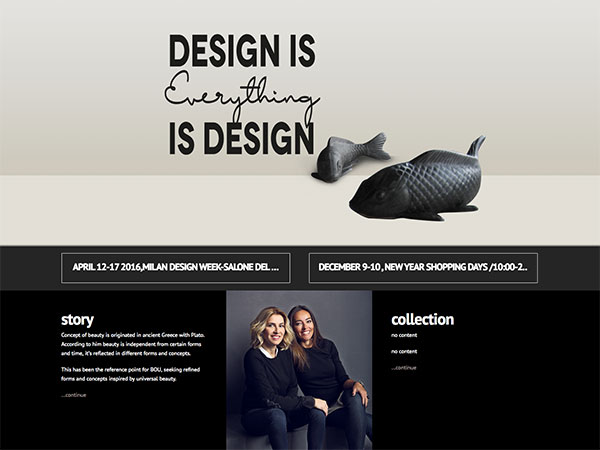
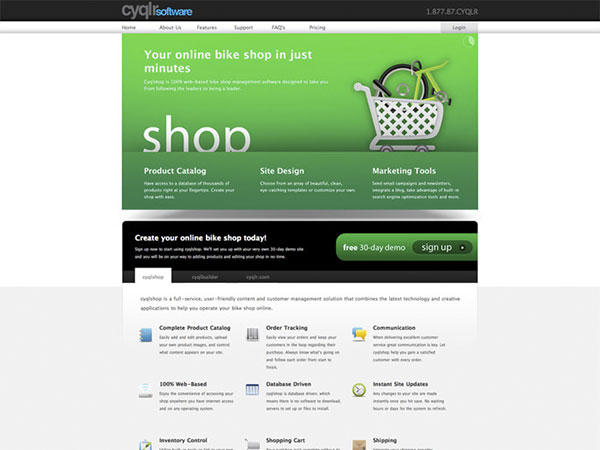
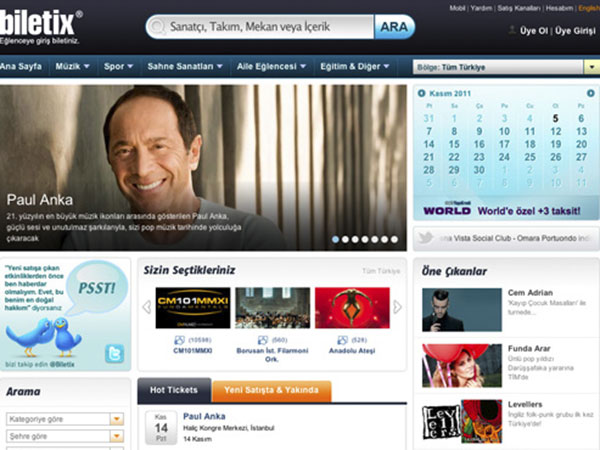
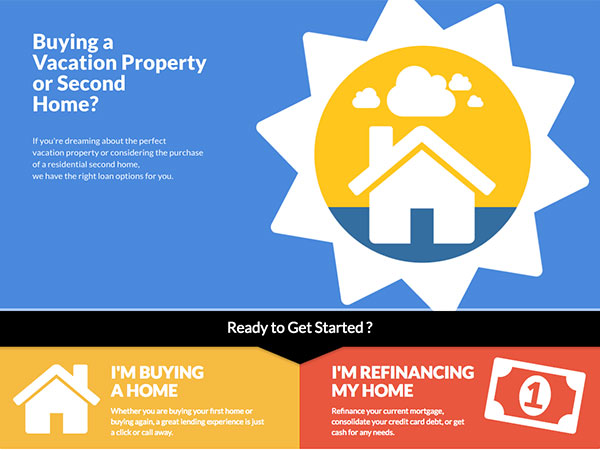
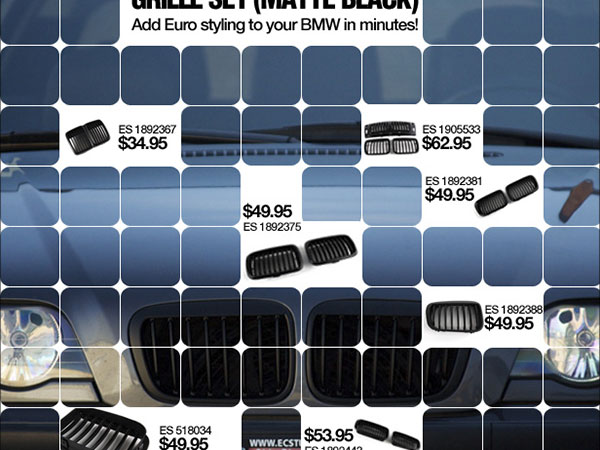
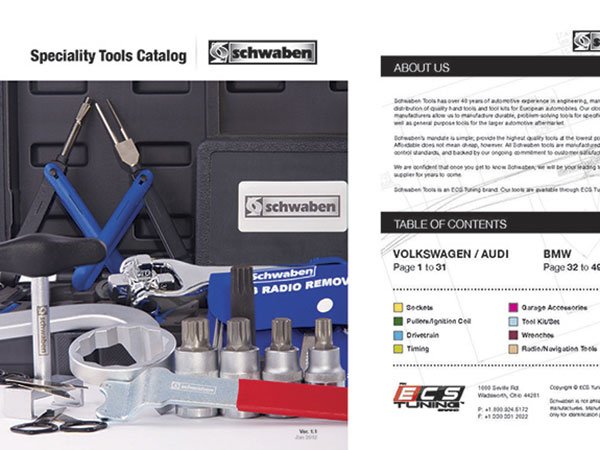
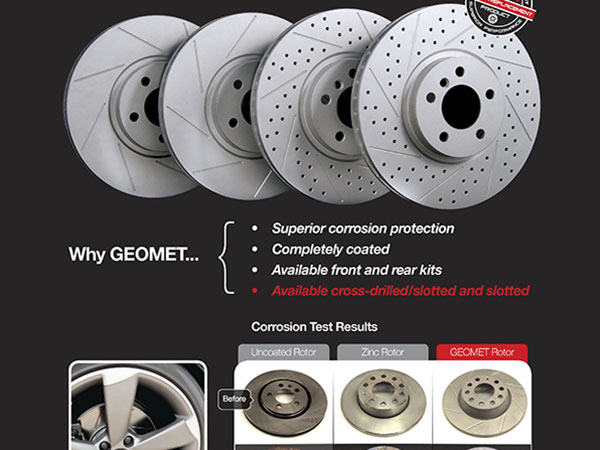
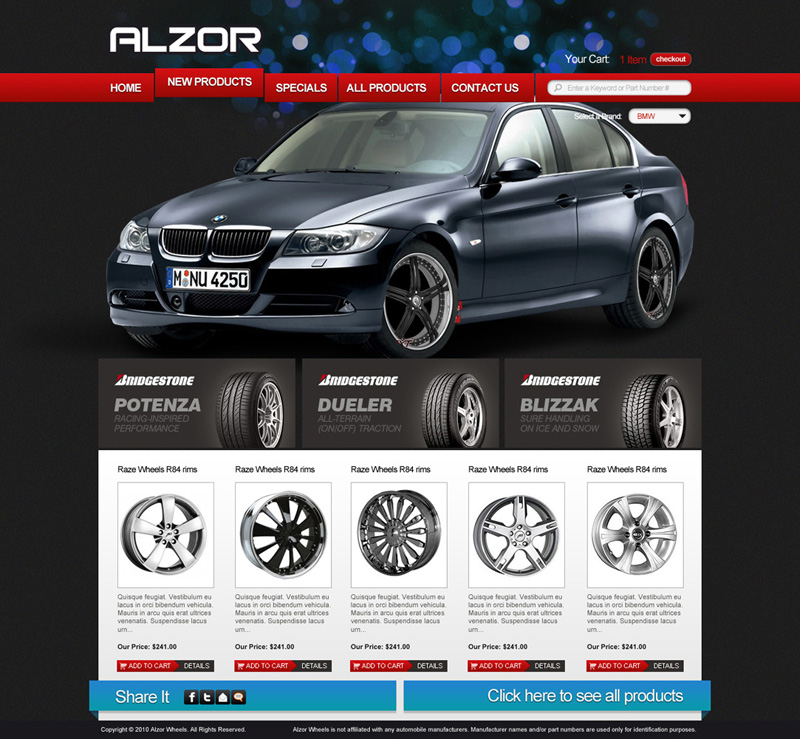
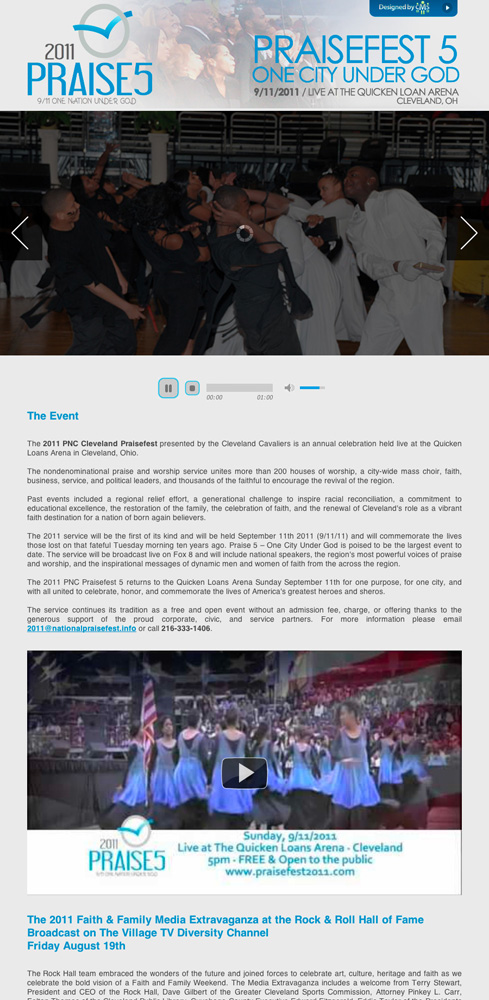
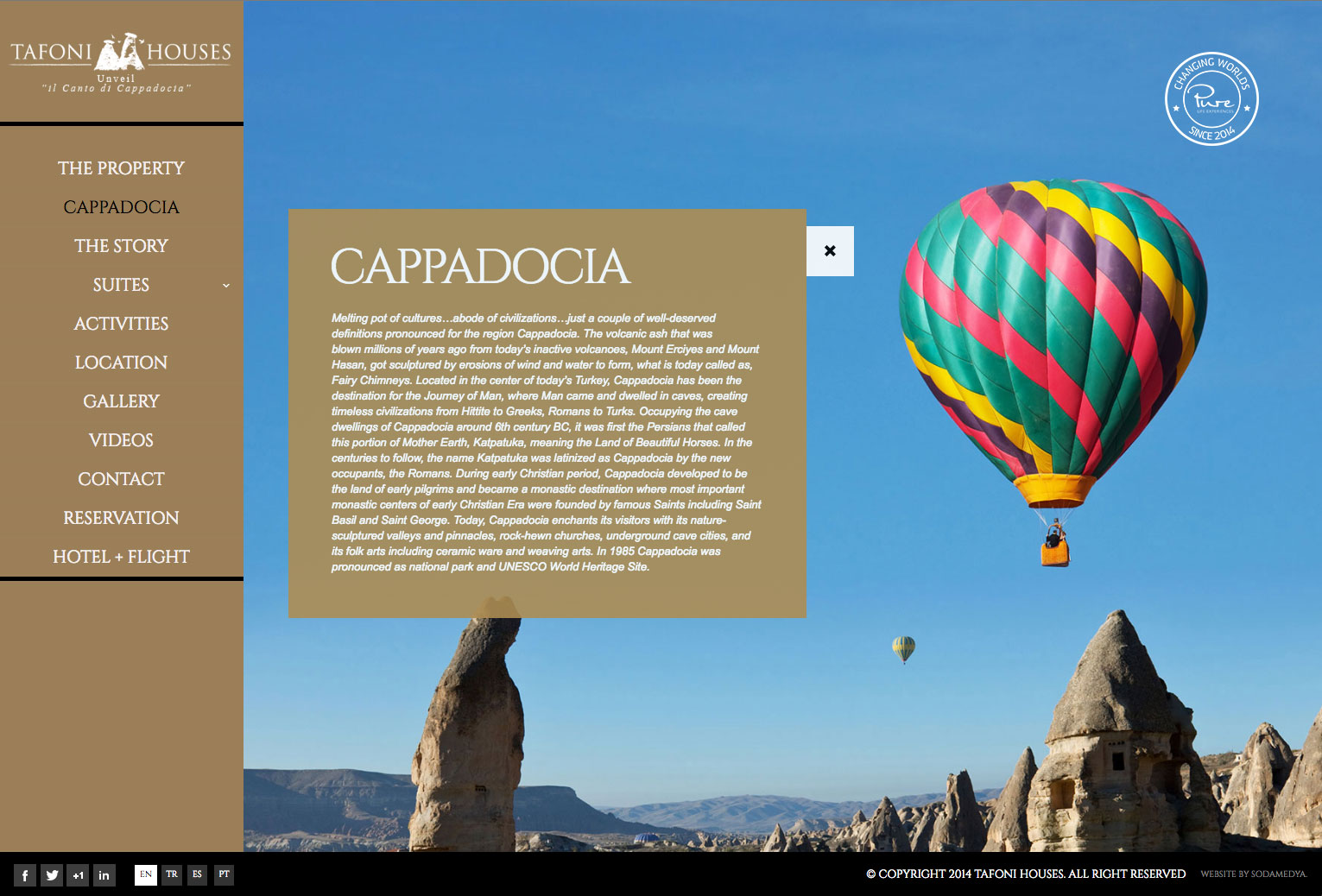
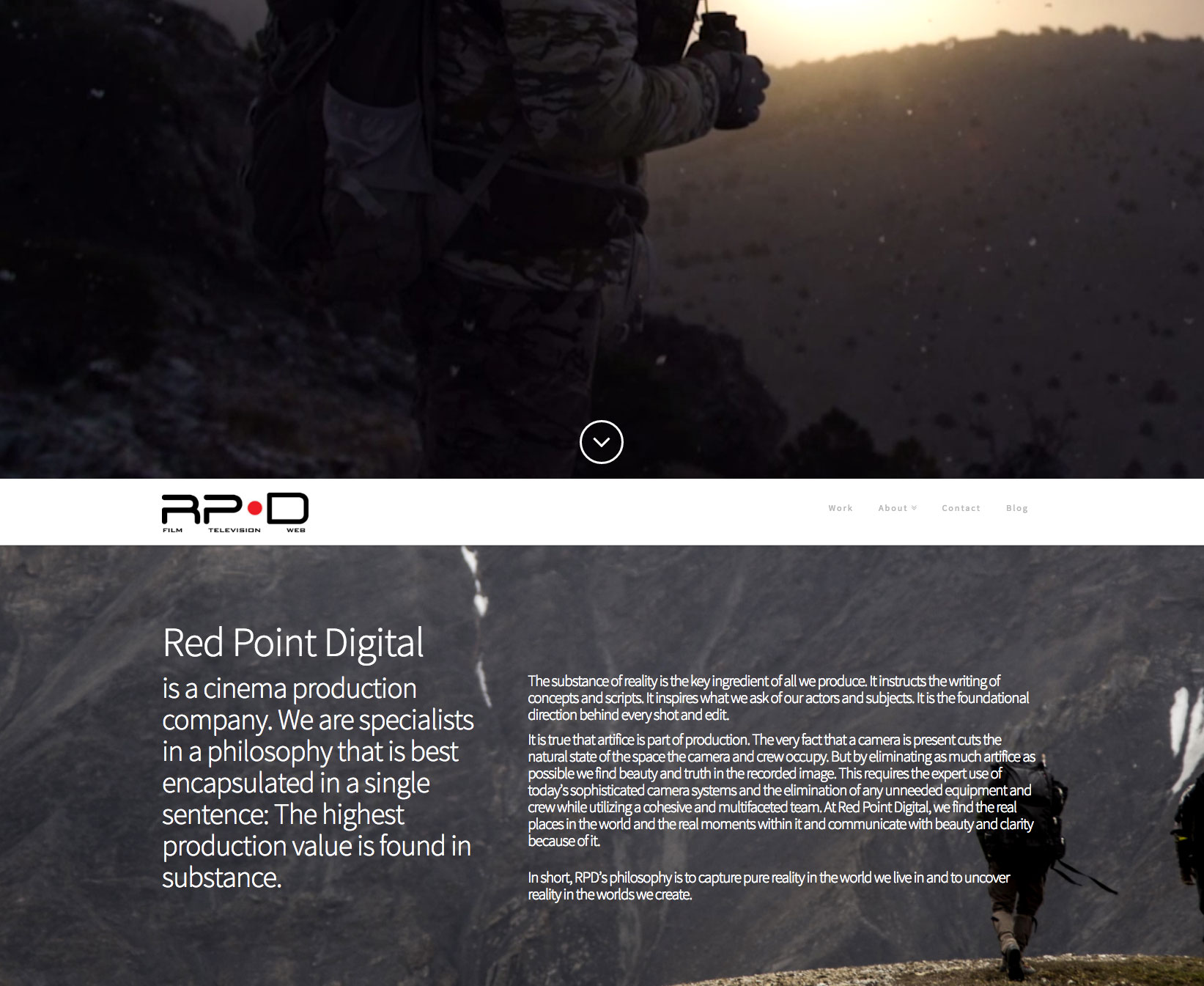
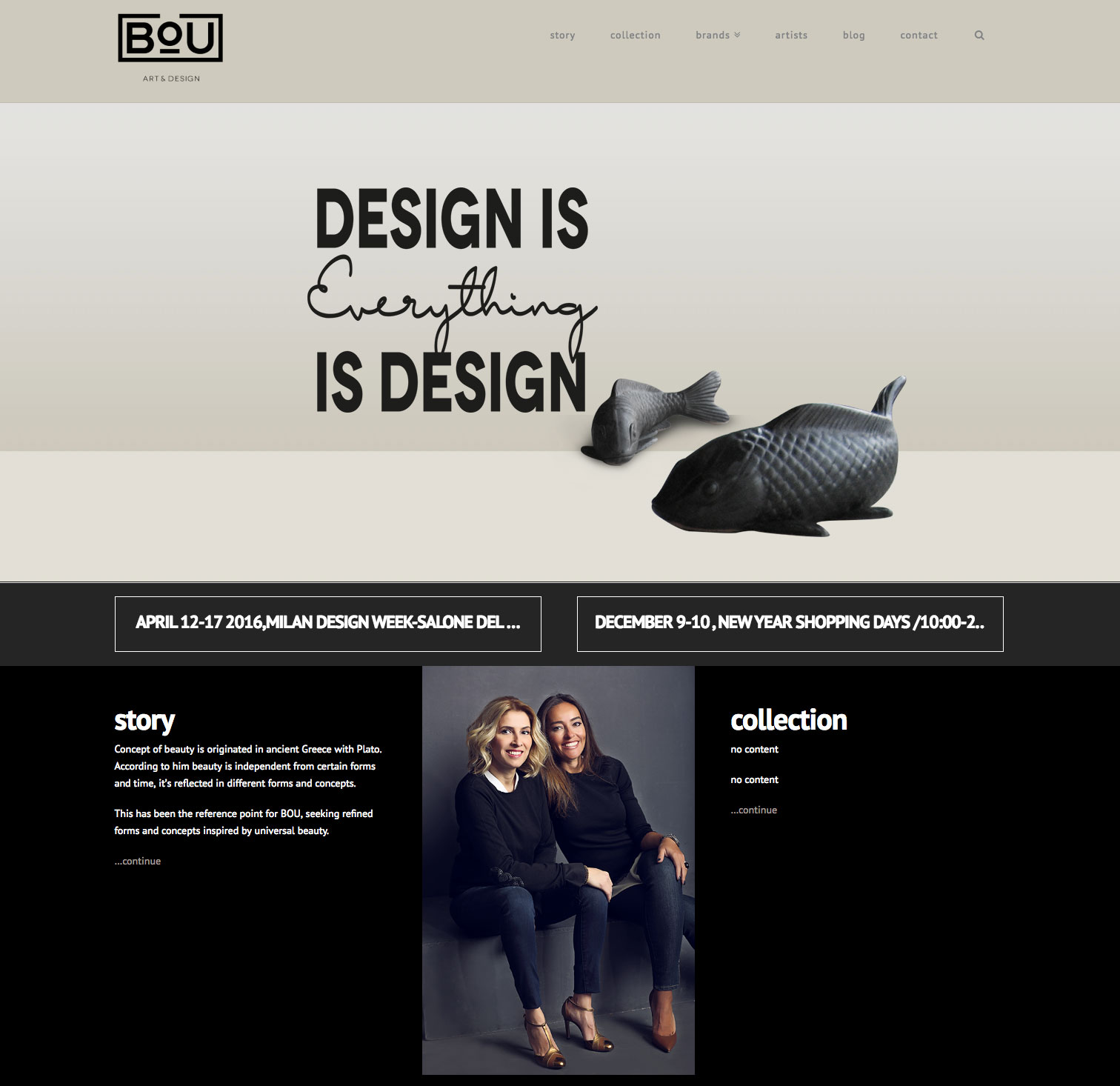
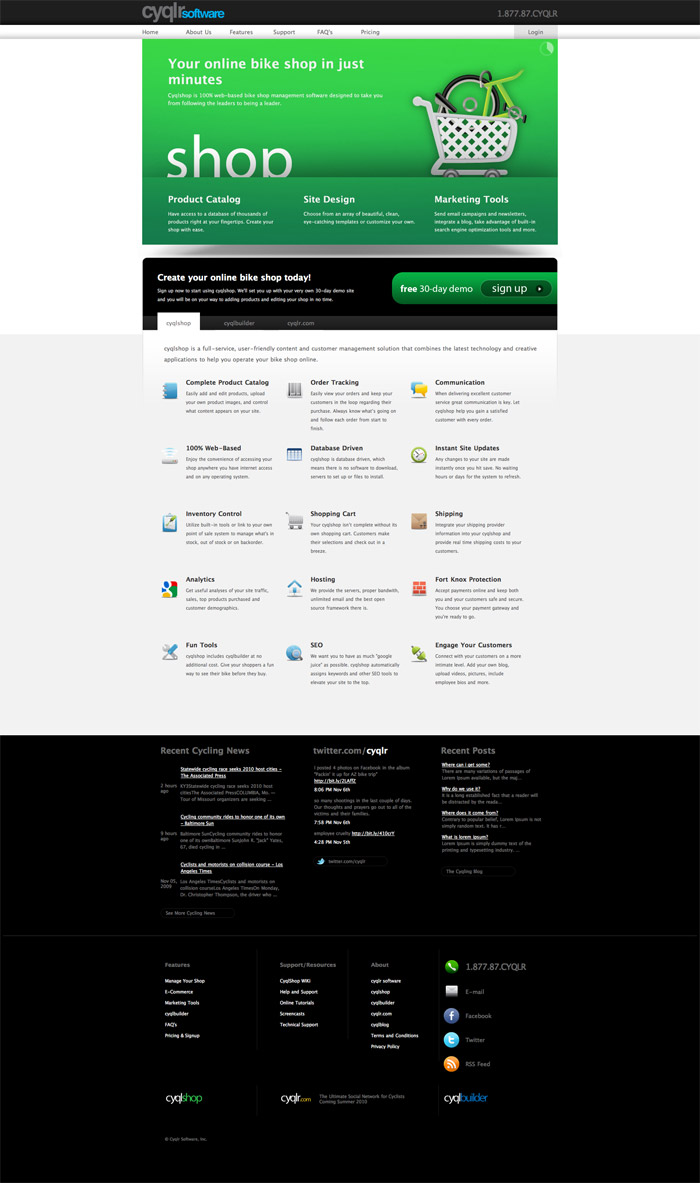
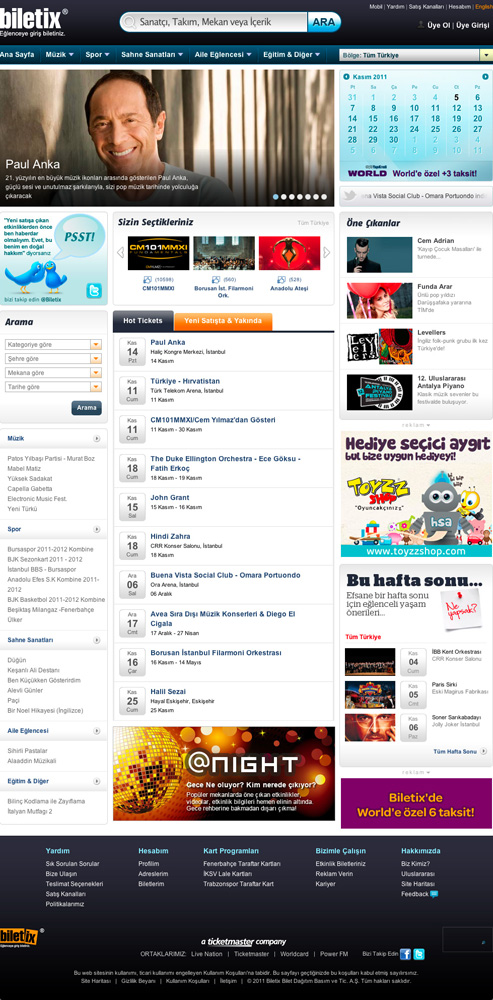
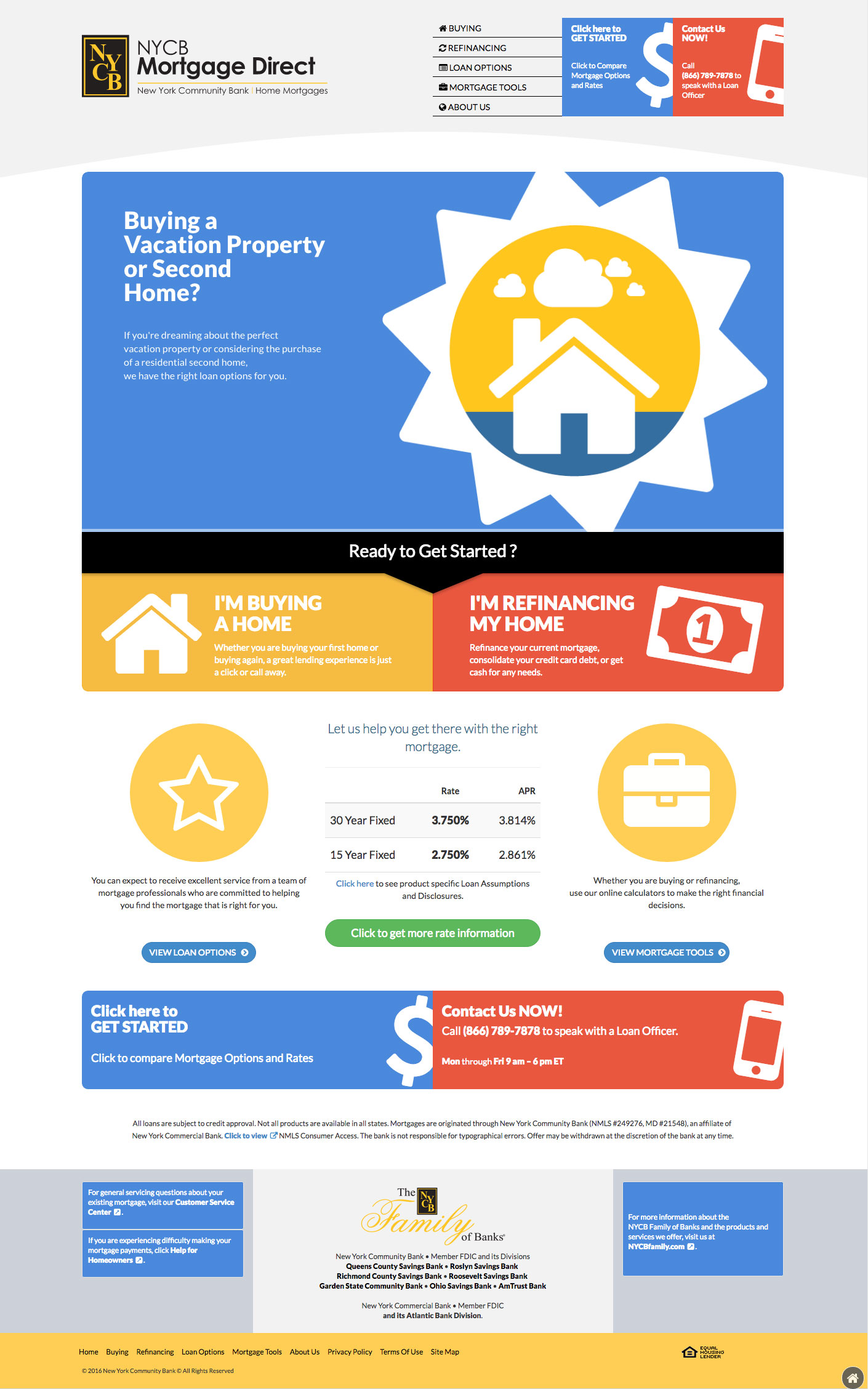
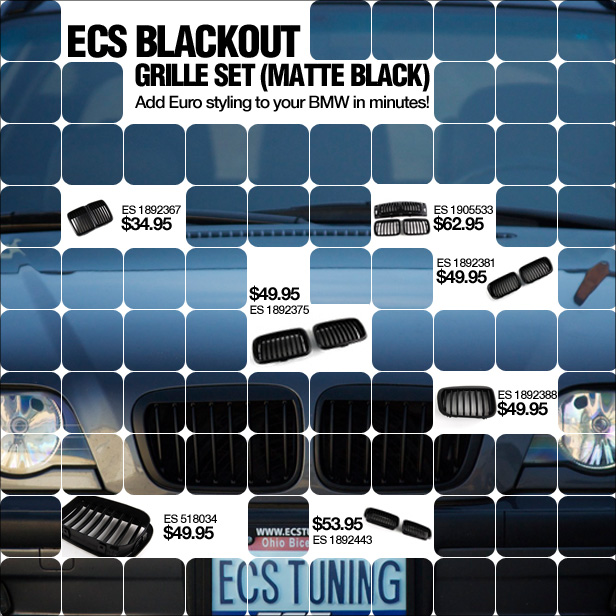
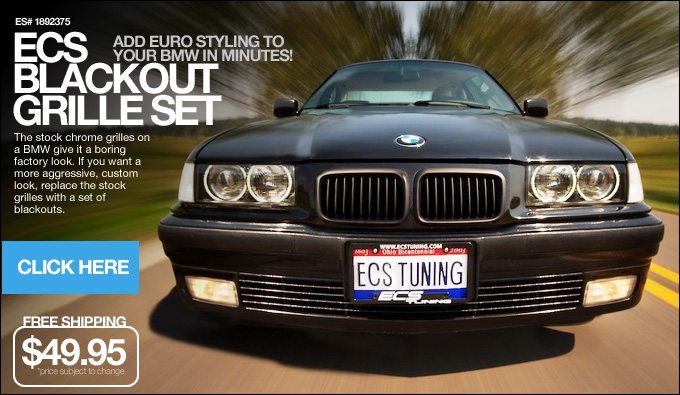
Check some of my works.
Some of the technologies i use on my projects are...
I live in Cleveland, Ohio
Feel free to contact with me
if you like to create something amazing together!